
By ToolNexus Team
Most advice on how to optimize images for seo opens with alt text. That is the wrong end. Alt text is worth doing and it will not fix a page carrying eleven megabytes of photographs. This checklist runs in the order that actually moves the numbers, heaviest lever first.
Quick Answer at a Glance
Six steps, in this order. Doing them out of order wastes effort, because each one changes what the next one has to work with.
| Step | Action | Impact |
|---|---|---|
| 1 | Resize to display dimensions | Very high |
| 2 | Choose the right format | High |
| 3 | Compress | High |
| 4 | Name the file descriptively | Low to moderate |
| 5 | Write alt text | Moderate. Required for accessibility |
| 6 | Lazy load below the fold | Moderate |
Step 1: Resize Before Anything Else
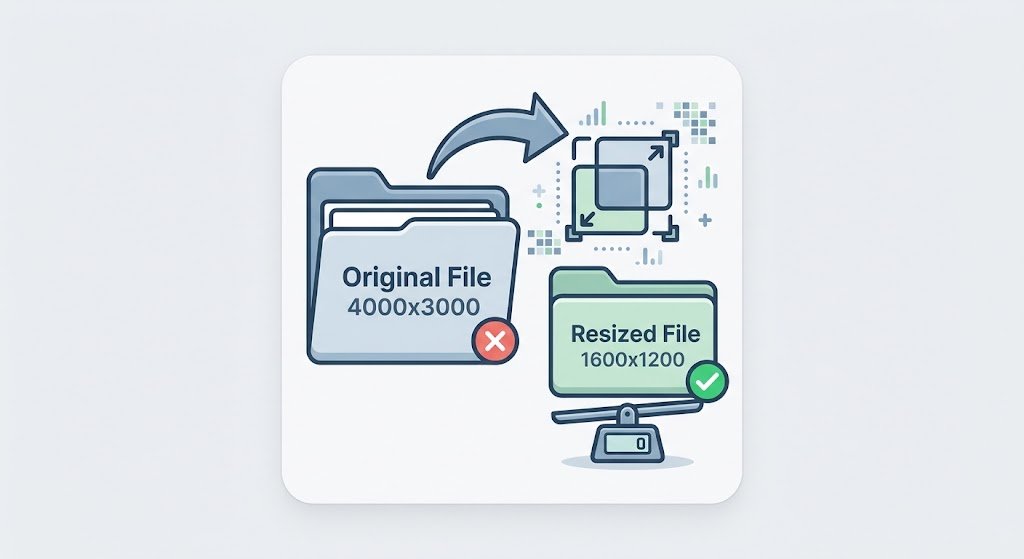
This is where nearly all the weight lives and it is the step people skip.A photograph straight off a phone is often 4000 pixels wide. Displayed in a column 800 pixels wide, the browser downloads all four thousand and throws three quarters of them away on arrival. Resizing to the width you actually display removes roughly nine tenths of the data before any other step touches the file.Serve at double the display width if you support high resolution screens. That means 1600 pixels for an 800 pixel column. Beyond that you are paying for pixels nobody will ever see.
Step 2: Pick the Format
Photographs to WEBP with a JPG fallback. Graphics, screenshots and anything with text to WEBP or PNG. Logos and icons to SVG.Google measures lossy WEBP at 25 to 34 percent smaller than an equivalent JPEG. This step alone removes about a third of what remains after resizing. The full reasoning for each format sits in best image format for web. The specific graphics decision is in webp vs png.
Step 3: Compress What Is Left
Now compression has something sensible to work on rather than a 4000 pixel original.Run files through the tool that will compress jpeg and PNG images. Moderate settings are almost always right. The mechanics of why are in lossy vs lossless compression.Targets worth aiming at. Hero banners under 200 KB. Article images under 100 KB. Product photographs under 150 KB. Thumbnails under 30 KB. Anything on a page above 1 MB is costing you mobile visitors.
Step 4: Name the File Like a Human
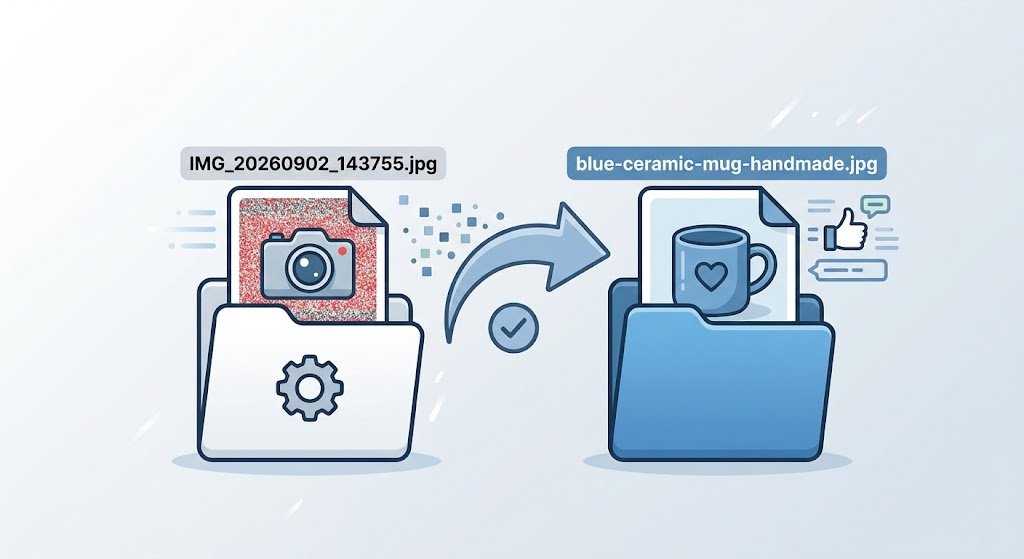
IMG_20260902_143755.jpg tells a search engine nothing. blue-ceramic-mug-handmade.jpg tells it quite a lot.
Use hyphens rather than underscores, keep it short, describe what is actually in the picture. This is a small signal rather than a large one. It costs nothing at upload time and is tedious to fix later across a whole site.
Step 5: Write Alt Text That Earns Its Place
Alt text exists for people using screen readers. Search engines read it as a description of the image, which is why it helps. That order matters when you write it.Describe the image as you would to somebody on the phone. Blue ceramic mug with a curved handle on a wooden table. Not mug buy mugs cheap mugs online. Keyword stuffed alt text reads badly to a screen reader user and is easily detected as manipulation.Decorative images that carry no information should have an empty alt attribute rather than a description. Screen readers then skip them instead of announcing something meaningless.
Step 6: Lazy Load Below the Fold
Lazy loading tells the browser to fetch an image only when the reader scrolls near it, which removes off-screen images from the initial page load entirely.One rule protects you from the common mistake. Never lazy load the image at the top of the page. That image is usually what Google measures as your largest contentful paint. Delaying it makes the score worse rather than better. Lazy load everything below the fold and load the top image eagerly.
What Actually Gets Measured
Google’s Core Web Vitals assess loading, interactivity and visual stability. Images touch two of the three directly.Largest contentful paint is usually a picture. Its weight and its loading behavior set that score. Cumulative layout shift is caused by images without declared width and height, because the browser cannot reserve space and the text jumps when the picture arrives. Setting those two attributes on every image is a one line fix with a measurable result.
The Order Matters More Than the List
Compressing before resizing wastes most of the saving, because you spend effort squeezing pixels you were about to delete. Writing alt text on a page that takes nine seconds to load is polishing something nobody waits to see.Work down the impact column. On most sites steps one to three deliver ninety percent of the result and take an afternoon. Steps four to six are worth doing and belong after the heavy lifting.
A Real Case
A recipe blog had thirty photographs on a popular post, all uploaded straight from a camera. The page weighed 41 MB. Resizing to 1200 pixels and converting to WEBP brought it under 3 MB. No compression settings were touched and nothing looked different. The two steps took about forty minutes.
A Note for iPhone Photographers
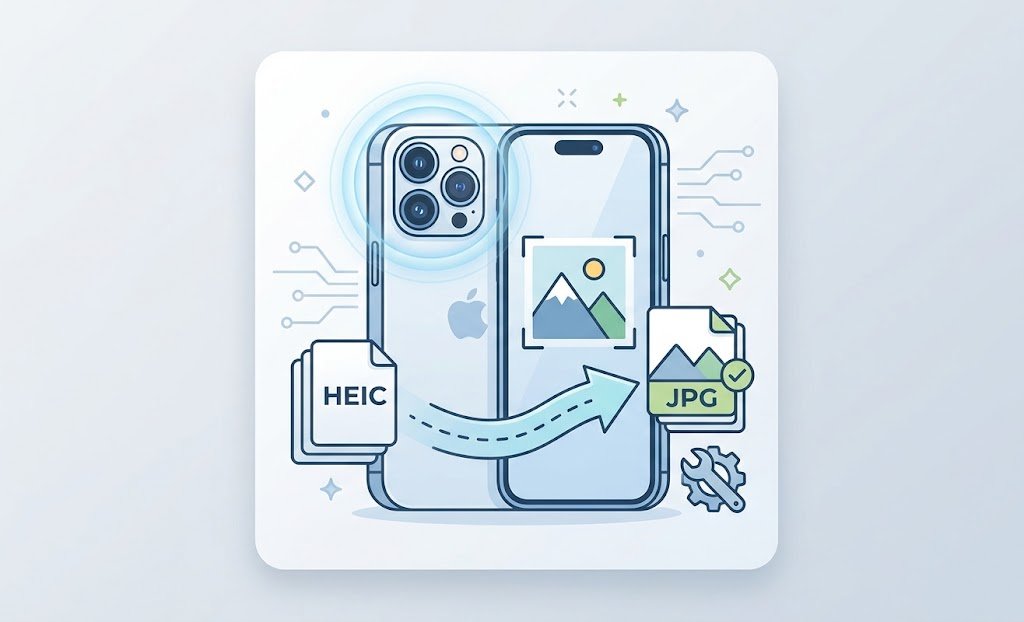
Photographs from a recent iPhone arrive as HEIC, which most content systems still handle badly. Convert them before uploading rather than afterwards. The methods are in how to convert heic to jpg.
About the Author
The ToolNexus Team builds free browser based file tools. The site started with a small group of developers who thought professional grade utilities should not carry a professional grade price tag. It now runs ten tools covering images, PDFs, video and code.
FAQs About how to optimize images for seo
What is alt text in SEO?
A written description attached to an image, read aloud by screen readers and used by search engines to work out what a picture shows. It also displays when an image fails to load. Its primary purpose is accessibility. The search benefit is real and secondary, which is why descriptions written for people outperform descriptions written for algorithms.
How to SEO an image?
Resize it to the dimensions you display, choose a format suited to the content, compress it, give the file a descriptive name, write alt text and lazy load it if it sits below the fold. Doing those in that order matters, because the early steps change what the later steps have to work with.
How can I tell if an image has alt text?
Right click the image and choose Inspect in any browser, then look for the alt attribute on the img tag. An empty alt is correct for decorative images and a missing alt attribute entirely is not. Site auditing tools will list every image lacking one across a whole site, which is faster than checking pages by hand.
What is lazy loading of images?
A technique that delays downloading an image until the reader scrolls close to it. Pictures far down a long page never load at all for someone who leaves early, which cuts the initial page weight considerably. Browsers support it natively with a single attribute. It no longer needs a script to implement.
Is lazy loading bad for SEO?
Only when applied to the wrong images. Lazy loading the top image of a page delays what Google measures as your largest contentful paint, which harms the score it was meant to improve. Applied below the fold it helps. The rule is simple. Load the first screen eagerly and delay everything after it.
Why are my images loading slowly on my website?
Almost always because they are far larger than they need to be. A page serving 4000 pixel photographs into 800 pixel columns is downloading five times the data it displays. Server response time and missing compression contribute. Neither usually accounts for as much as the raw dimensions of the files.
How can I make my website load images faster?
Reduce what has to travel. Resize to display dimensions, serve WEBP, compress moderately, then lazy load anything below the first screen. After that, a content delivery network shortens the distance the files travel. The first four cost nothing and typically outperform the infrastructure change on a small site.
How do I optimize images on my website?
Start with the pages that get the most traffic rather than working alphabetically through a media library. Fix the heaviest images on your home page and your top three articles first. That usually covers the majority of what visitors actually load. It delivers a measurable result in an afternoon instead of a month.
Start at the Top of the List
Resize, convert, compress. Those three take an afternoon and deliver most of the result. Names, alt text and lazy loading come after, once the page is no longer heavy. Every tool you need for the first three is free on ToolNexus with no account.
Comments (4)
4 totalNo comments yet. Be the first to share your thoughts!