
By ToolNexus Team
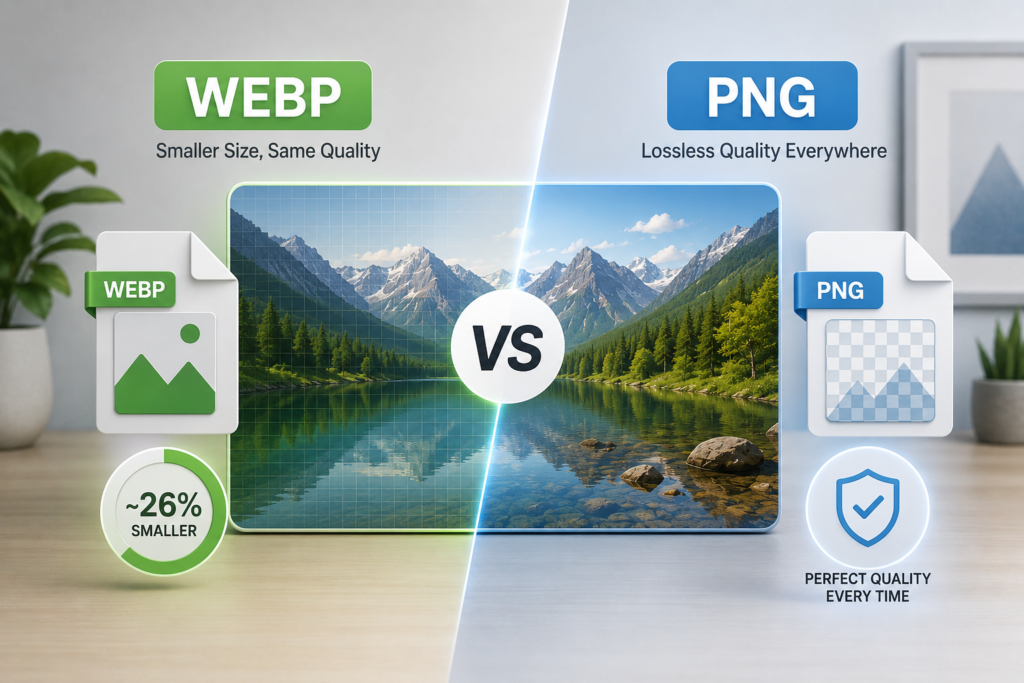
Both hold transparency. Both handle graphics without softening the edges. One produces files a quarter smaller. The webp vs png decision comes down to a single question about where the file is going. This walks through it with Google’s published numbers rather than opinion.
Quick Answer at a Glance
Use WEBP for anything staying on your website. Use PNG for anything leaving it. That covers the decision for most people in one line.
| Comparison | WEBP | PNG |
|---|---|---|
| Compression | Lossy and lossless | Lossless only |
| Transparency | Yes | Yes |
| Animation | Yes | No |
| File size | About 26 percent smaller | Larger |
| Browser support | Universal | Universal |
| Support elsewhere | Patchy | Universal |
The Size Difference in Real Numbers
Google publishes measured figures for its own format. Three of them matter here.
| Comparison | Published figure |
|---|---|
| Lossless WEBP against PNG | 26 percent smaller |
| Lossy WEBP with transparency against PNG | 3 times smaller |
| Adding transparency to lossless WEBP | Costs 22 percent more bytes |
Read the middle row twice. Three times smaller is the number that changes decisions. It applies when you accept lossy compression on a transparent image, which for a product cut-out on a web page is almost always fine. A 900 KB transparent PNG becomes a 300 KB WEBP that looks identical in a browser.
Where They Are Identical
Both formats carry a full alpha channel. Both handle transparency properly with soft edges rather than the jagged on-or-off transparency of a GIF.Both are also lossless when you want them to be. This is the point people miss about WEBP. It is not a lossy format with transparency bolted on. It has a genuine lossless mode that preserves every pixel exactly as PNG does. That mode is still smaller than the PNG equivalent.
According to the official WebP overview on Wikipedia the format was developed specifically to optimize web performance through superior compression.
Where PNG Still Wins
Everywhere that is not a browser.Print shops reject WEBP. Older design software cannot open it. Plenty of upload forms, internal business systems and client machines running software from 2018 refuse it outright. PNG has none of those problems anywhere, which is worth a larger file when the destination is uncertain.There is a smaller technical point too. Decoding a lossy WEBP costs a processor more work than decoding an equivalent older format. On modern hardware nobody notices. It only becomes visible on very old devices or on a page loaded with animated images.
The Actual Decision Rule
Ask where the file ends up.Staying on your own website and viewed in a browser? WEBP. Being emailed, printed, handed to a client, uploaded to a third party system or archived for later? PNG. Unsure? PNG, because the cost of being wrong is a slightly slower page rather than a file nobody can open.Most sites end up keeping both. The PNG is the master copy in the folder. The WEBP is the version served to visitors. That is not duplication for its own sake. It is the same reason photographers keep a raw file alongside the JPEG they publish.
What About Photographs
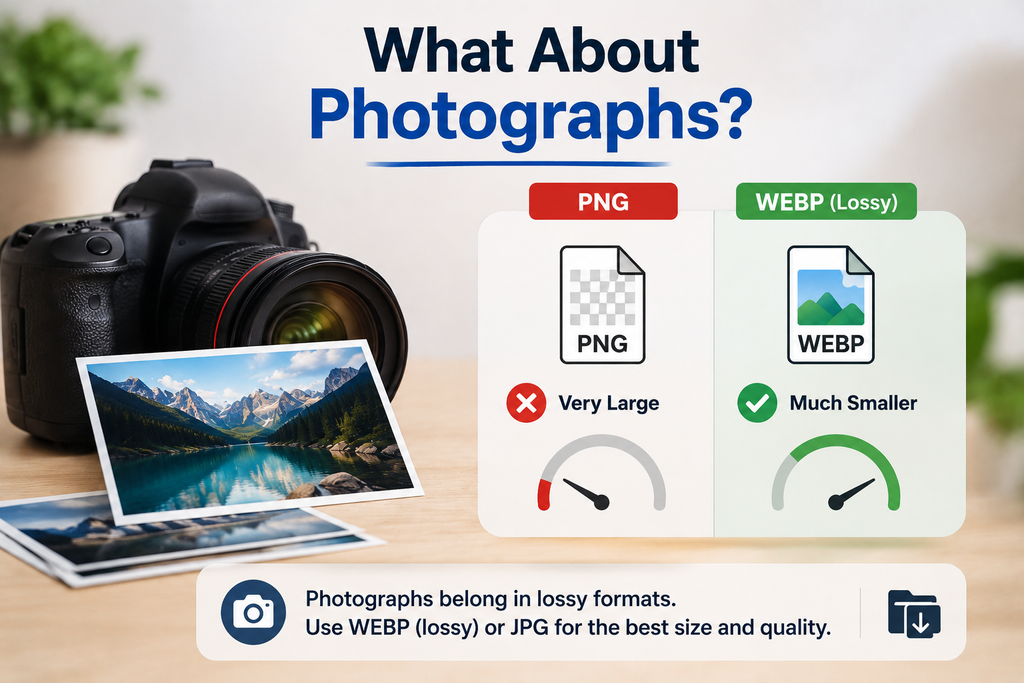
Neither, mostly. A photograph in PNG is the wrong format almost by definition, since PNG cannot discard anything and photographs are all fine variation. The file balloons for no visible gain.Photographs belong in lossy WEBP with a JPG fallback. The full reasoning across every format sits in best image format for web.
Converting Between Them
The ToolNexus image format converter moves files in both directions with no account. WEBP to PNG when something needs to leave the browser. PNG to WEBP when you are publishing.One habit worth building. Convert from the highest quality copy you own rather than from a file that has already been through a compressor. Every generation of lossy compression compounds. Starting from a squeezed source guarantees a squeezed result.
A Real Case
A shop had forty product cut-outs saved as transparent PNGs, averaging 800 KB each. Thirty two megabytes across the catalog. Converted to lossy WEBP the same images averaged under 250 KB with no visible change on any product page. The listings looked the same. They simply appeared faster.
Related Reading
If you are not sure what a .webp file even is, start with what is webp. If your image is a logo or an icon rather than a photograph or a graphic, the comparison you actually want is svg vs png.
About the Author
The ToolNexus Team builds free browser based file tools. The site started with a small group of developers who thought professional grade utilities should not carry a professional grade price tag. It now runs ten tools covering images, PDFs, video and code.
FAQs About webp vs png
Is WebP better quality than PNG?
At their lossless settings the two are identical, since neither discards anything. WEBP simply stores the same information in fewer bytes. Quality only differs when you choose lossy WEBP, which trades a small amount of detail for a much smaller file. For graphics and logos that trade is usually invisible on a screen.
Should I use PNG or WebP?
WEBP if the image lives on your website. PNG if it goes anywhere else. That single question resolves the decision in nearly every case. Keeping a PNG master in your project folder and serving a WEBP copy to visitors gives you the speed benefit without ever being caught out by software that refuses the newer format.
Is WebP really better than JPEG?
On size, yes, measurably. Google puts lossy WEBP at 25 to 34 percent smaller than a comparable JPEG at matched quality. It also does things JPEG cannot, including transparency and animation. JPEG keeps one advantage that still matters, which is that everything opens it without question.
Are WebP images safe?
As safe as any image format. WEBP files carry no more inherent risk than a JPEG or a PNG. Every major browser decodes them natively. As with any file, the sensible caution is about where it came from rather than what format it is in. An image from an unexpected email deserves suspicion whatever its extension.
Is WebP a good image format?
For web delivery it is the strongest general purpose option available today. It covers photographs, graphics, transparency and animation in one format while producing smaller files than the alternatives it replaces. Its weakness is entirely about the world outside browsers, where support remains patchy enough to need a fallback copy.
Pick One
Website copy in WEBP. Everything else in PNG. Keep both when you can, since storage costs nothing and being unable to open your own file costs an afternoon. Convert either direction free with ToolNexus.
Comments (4)
4 totalNo comments yet. Be the first to share your thoughts!