
By ToolNexus Team
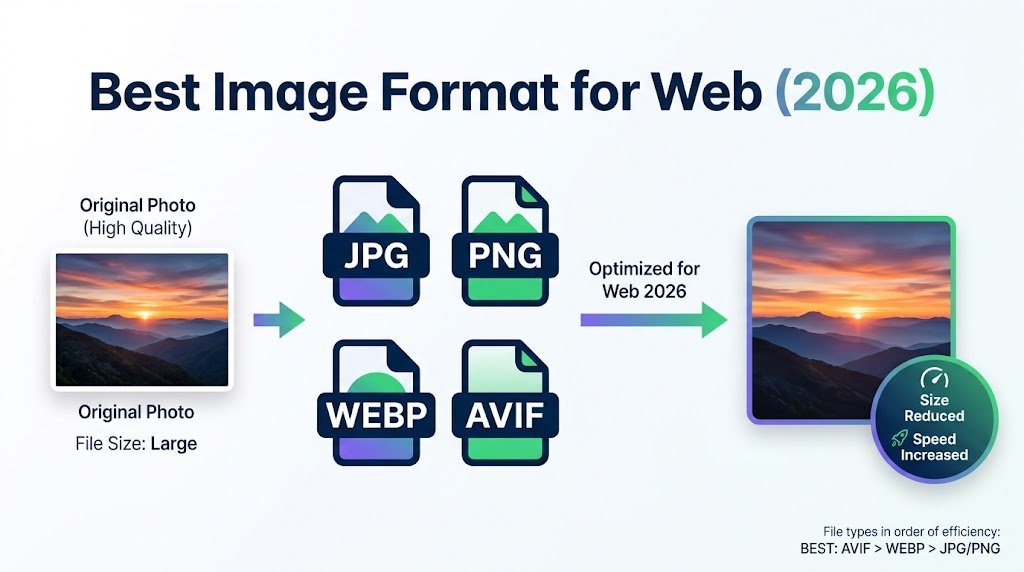
Four formats, one photograph, wildly different file sizes. Picking the best image format for web use is the cheapest speed improvement available to most sites. It takes about ten seconds once you know the rule. This is that rule, the reasoning behind it, plus what to do with the images you already published.
Quick Answer at a Glance
Photographs go in WEBP with a JPG fallback. Graphics, logos and screenshots go in WEBP or PNG. Icons and simple shapes go in SVG. AVIF is the smallest and the least supported.
| What you have | Use this | Why |
|---|---|---|
| A photograph | WEBP, fallback JPG | Smallest file at the same visible quality |
| A logo or icon | SVG | Scales to any size with no file growth |
| A screenshot or chart | WEBP or PNG | Keeps text edges sharp |
| A graphic needing transparency | WEBP or PNG | Both carry an alpha channel |
| Anything leaving the browser | JPG or PNG | Universal compatibility |
The Four Formats in One Sentence Each
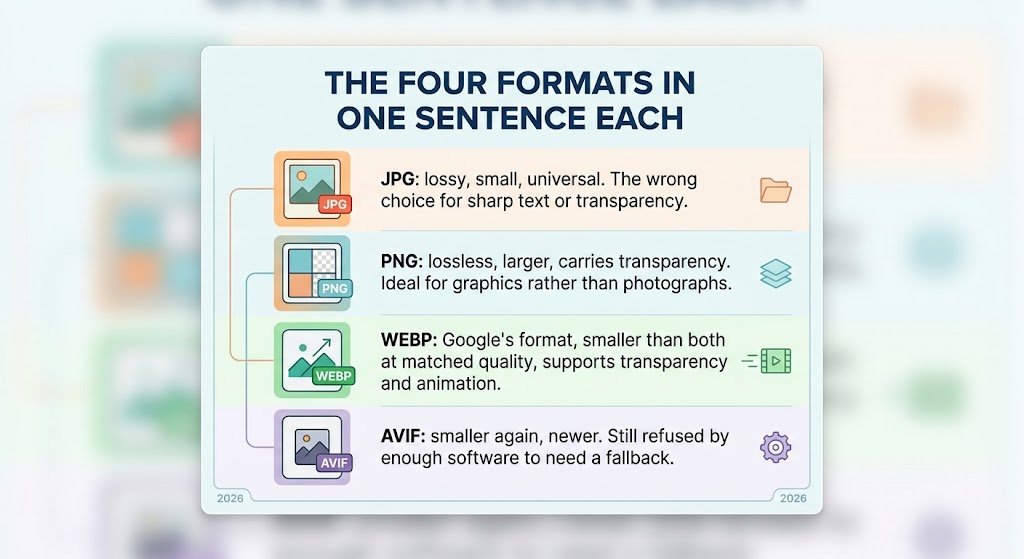
JPG: lossy, small, universal. The wrong choice for anything with sharp text or transparency.
PNG: lossless, larger, carries transparency. Ideal for graphics rather than photographs.
WEBP: Google’s format, smaller than both at matched quality, supports transparency and animation.
AVIF: smaller again, newer. Still refused by enough software to need a fallback.
How Much Smaller Is WEBP, Really
Google publishes the figures rather than leaving it to marketing, which makes them worth quoting exactly.
| Comparison | Google’s published figure |
|---|---|
| WEBP lossless vs PNG | 26 percent smaller |
| WEBP lossy vs JPEG at matched quality | 25 to 34 percent smaller |
| Lossy WEBP with transparency vs PNG | 3 times smaller |
| Cost of adding transparency to lossless WEBP | 22 percent more bytes |
A quarter to a third off every photograph on a site is a serious result for a format change that requires no design work. On a page carrying fifteen images that is often more than a second of load time on a mobile connection.
The Compatibility Question
WEBP is supported natively in Chrome, Safari, Firefox, Edge and Opera. Browser support stopped being the issue years ago.What has not caught up is everything outside a browser. Print workflows, older design software, some upload forms and a fair number of internal business systems still reject WEBP outright. So serve WEBP on your site and keep a JPG or PNG copy of anything that might need to travel elsewhere. That is the whole compatibility strategy.
Where AVIF Actually Sits
AVIF compresses harder than WEBP and produces genuinely smaller files. It is also slower to encode and less widely accepted. The tooling around it is thinner.For most sites it is not yet worth the complexity. The gap between JPG and WEBP is large and easy to capture. The gap between WEBP and AVIF is smaller and costs more to reach. Move to WEBP first. Look at AVIF once that is done and you still need more.
Full Comparison
| Comparison | JPG | PNG | WEBP | AVIF |
|---|---|---|---|---|
| Compression | Lossy | Lossless | Both | Both |
| Transparency | No | Yes | Yes | Yes |
| Animation | No | No | Yes | Yes |
| Best for | Photos | Graphics | Almost everything | Photos, when supported |
| Support outside browsers | Universal | Universal | Patchy | Poor |
Deciding in Ten Seconds
Ask one question. Does the image have hard edges or text in it?If yes, it is a graphic. Use WEBP for the web copy and keep PNG for anything else. If no, it is a photograph. Use WEBP for the web copy and keep JPG as the portable version. Vector artwork such as a logo skips the whole question and goes to SVG, which is a different kind of file entirely.That covers almost every decision most people ever need to make about this. The exceptions are print work and archival storage. Neither of those belongs on a web page anyway.
Going Deeper on Each Pairing
Each of these comparisons has its own article, because each one has genuine detail behind it. Start with webp vs png if you are deciding what to do with graphics. Read svg vs png if you are working on logos and icons. If you have never met the format before, what is webp explains where it came from and why files keep arriving in it.
Fixing the Images You Already Published
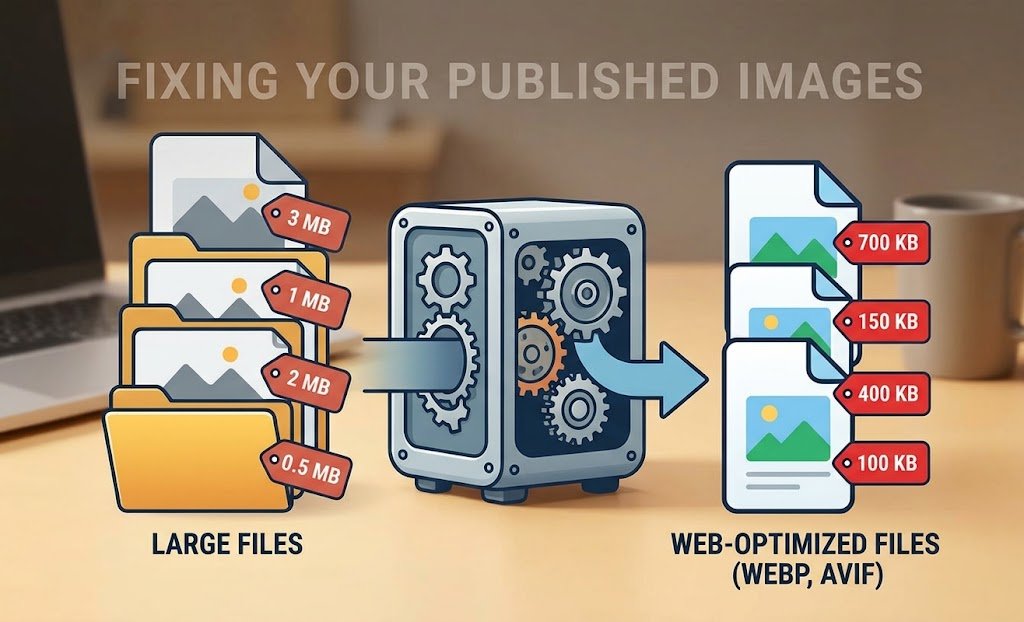
You do not need to redo a whole site. Start with the heaviest pages, which are usually the home page and your most visited article.Convert those images to WEBP, keep the originals, then replace them in place. Anything over 200 KB is worth attention. Anything over 1 MB is costing you visitors on mobile. Work down the list until the returns stop mattering, then stop.
A Real Example
A small shop had eleven product photographs on its home page, all straight from a camera at around 3 MB each. Thirty three megabytes of images on one page. Resizing them to display width and converting to WEBP brought the page to under 2 MB in total. Nothing looked different. The page simply appeared instead of crawling in.
Doing the Conversion
The ToolNexus image format converter changes files between JPG, PNG, WEBP and BMP with no account. For a specific pairing there is a dedicated jpeg to png converter as well. Once converted, run the results through the tool that will compress jpeg files to squeeze out what remains.The whole process is covered step by step in how to optimize images for seo.
About the Author
The ToolNexus Team builds free browser based file tools. The site started with a small group of developers who thought professional grade utilities should not carry a professional grade price tag. It now runs ten tools covering images, PDFs, video and code.
FAQs About best image format for web
What is the best format for images on a website?
WEBP for almost everything, with a JPG or PNG fallback kept for anything that leaves the browser. It handles photographs and graphics, supports transparency and animation, then produces smaller files than either older format at the same visible quality. SVG remains the right answer for logos and icons, since those are drawn shapes rather than grids of pixels.
Is PNG or JPEG best for a website?
JPEG for photographs, PNG for anything with hard edges or text. A photograph stored as PNG can be five to ten times heavier with no visible gain. A logo stored as JPEG picks up fuzzy halos around the lettering. Getting that pairing right does more for page weight than any compression setting you can adjust afterwards.
Should I use WebP or PNG?
WEBP, unless the file has to open somewhere outside a browser. Google’s own figures put lossless WEBP at 26 percent smaller than PNG. It carries the same transparency support. PNG stays the safer choice for print workflows, older design software and upload forms written before WEBP existed.
Which is better for website images, JPEG or WebP?
WEBP, by a clear margin on size. Google measures lossy WEBP at 25 to 34 percent smaller than a comparable JPEG at matched quality. That saving applies to every photograph on every page. Keep a JPEG version of anything you might email, print or upload elsewhere, since JPEG compatibility is still effectively universal.
Is JPEG worse quality than PNG?
Not inherently. At a high quality setting a JPEG photograph is visually indistinguishable from the PNG version at a fraction of the size. Where JPEG loses is repeated saving, which degrades the file a little each time. It also loses on sharp edges, which its compression softens. For photographs viewed once, JPEG quality is entirely sufficient.
What does compression do to a photo?
Lossy compression simplifies areas the eye is poor at judging, mostly fine variation in smooth regions. Push it gently and nothing looks different. Push it hard and blocky patches appear in skies, water and skin. Lossless compression changes nothing visible at all. It only stores the same information more efficiently, which is why the files stay larger.
Which compression method is best for images?
It depends on what the image is for rather than on which method is technically superior. Anything delivered to a browser wants lossy compression, because speed matters more than perfection there. Archives, print masters and files awaiting further editing want lossless, because those will be opened and re-saved and every generation of loss compounds.
Is JPEG a lossless image compression method?
No. JPEG discards image data permanently every time it saves, which is exactly how it achieves such small files. A lossless variant of the standard exists and is almost never used in practice. If you need lossless, PNG and lossless WEBP are the practical choices for web work, with TIFF used in printing and archival settings.
How to avoid image compression?
Use a lossless format and stop re-saving. PNG, lossless WEBP and TIFF all preserve every pixel. The harder problem is platforms, since social networks and messaging apps re-compress whatever you upload regardless of what you send them. Upload at their recommended dimensions to reduce how aggressively they process your file.
Pick One and Move On
Photographs to WEBP with a JPG spare. Graphics to WEBP or PNG. Logos to SVG. That covers the best image format for web work in three lines. The rest is detail you can read when you need it. Convert your files free with ToolNexus and keep the originals somewhere safe.
Comments (7)
7 totalNo comments yet. Be the first to share your thoughts!