
By ToolNexus Team
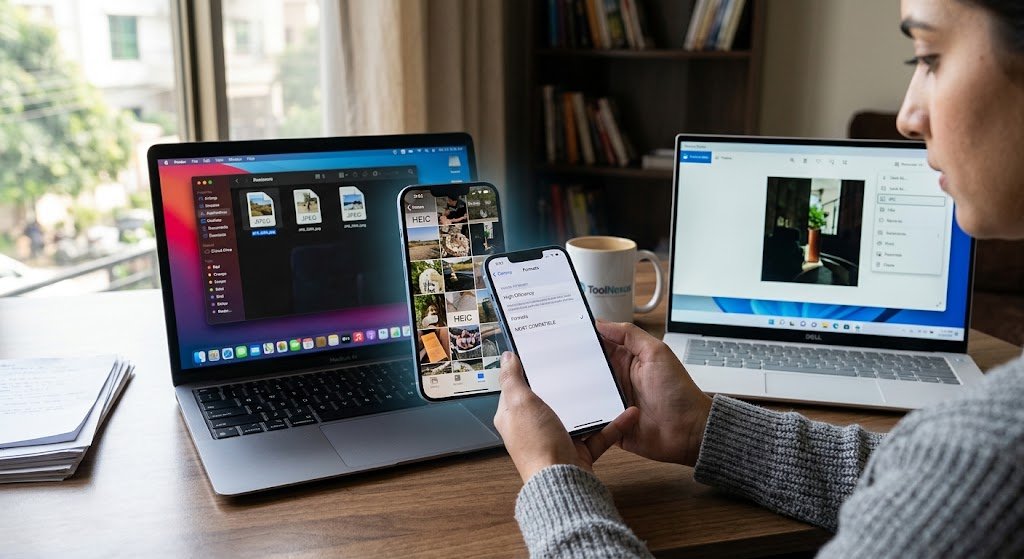
You email a photo to somebody and they cannot open it. You upload one to a form and it gets rejected. The file ends in .heic and nothing seems to want it. Working out how to convert heic to jpg takes about thirty seconds once you know where the setting lives. On most devices you do not need any software at all.
Quick Answer at a Glance
Every route below is built into a device you already own. Pick the row that matches what you have.
| Your situation | Fastest fix |
|---|---|
| iPhone, going forward | Settings, Camera, Formats, Most Compatible |
| iPhone, one photo now | Share the photo by email or Mail Drop, which converts it |
| Mac | Open in Preview, File, Export, choose JPEG |
| Windows 10 or 11 | Open in Photos, Save as, choose JPG |
| Sending to someone else | Change the transfer setting to Automatic before you send |
What HEIC Actually Is
HEIC: Apple’s name for a photo saved in the High Efficiency Image File format, built on the same compression family as HEVC video.Apple switched iPhones to it in 2017 with iOS 11. The reason was storage. A HEIC photo takes roughly half the space of the equivalent JPEG at the same visible quality, which across a phone full of photographs is a serious saving.The trade landed on everyone else. Windows, older software, plenty of websites and a great many upload forms had no idea what to do with the format for years. Some still do not, which is why a photograph taken on a modern phone can be rejected by a system built five years ago.
Stop Your iPhone Making Them at All
This is the fix most people actually want. Almost nobody finds it.
- Open Settings on the iPhone.
- Tap Camera, then tap Formats.
- Choose Most Compatible instead of High Efficiency.
From that moment every new photo saves as JPEG. Photos already on the phone stay as HEIC, since the setting changes what the camera writes rather than converting your library. Your photos will take more space. For most people that is a fair trade against never hitting this problem again.
Converting Photos You Already Took
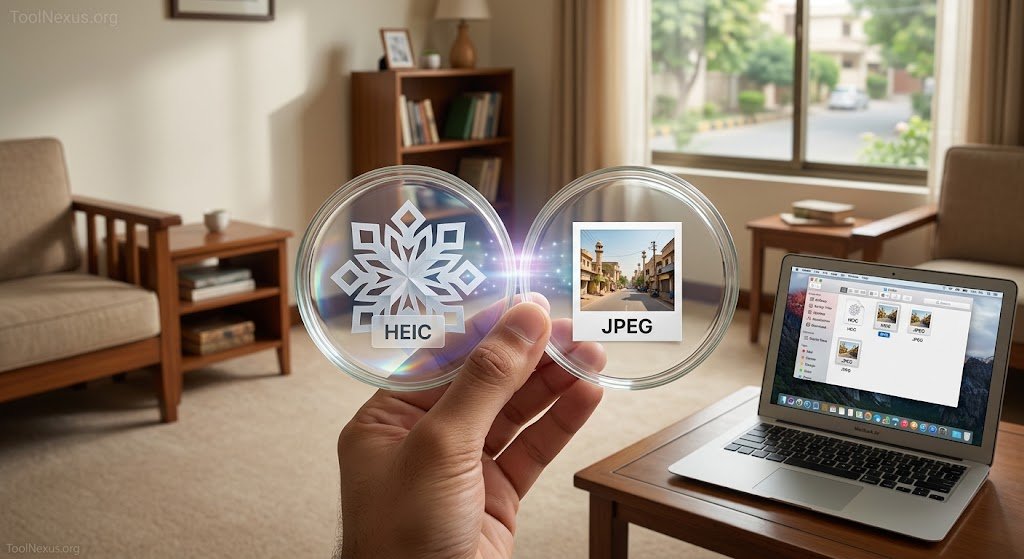
Two routes on the phone itself, neither needing an app.Emailing a photo to yourself converts it, because Mail sends a compatible copy by default. Uploading to most cloud services does the same. The other route is the transfer setting: Settings, Photos, then under Transfer to Mac or PC choose Automatic. With that on, photos convert to JPEG as they leave the phone rather than arriving as HEIC on a computer that cannot read them.
On a Mac
Preview handles it and it is already installed.Open the HEIC file, choose File then Export, pick JPEG from the format menu and save. For a whole folder, select every file, right click, choose Quick Actions and then Convert Image, which processes the lot in one pass. That batch option is the one Mac users tend not to know exists.
On Windows
Windows 10 and 11 open HEIC in the Photos app once the HEIF extension is installed. On most current machines it already is. Open the file, choose Save as, pick JPG.If the file refuses to open at all, the extension is missing. It comes from the Microsoft Store and installs in under a minute. Older versions of Windows have no route at all. That is where a browser based converter genuinely earns its place.
Why the Conversion Sometimes Fails
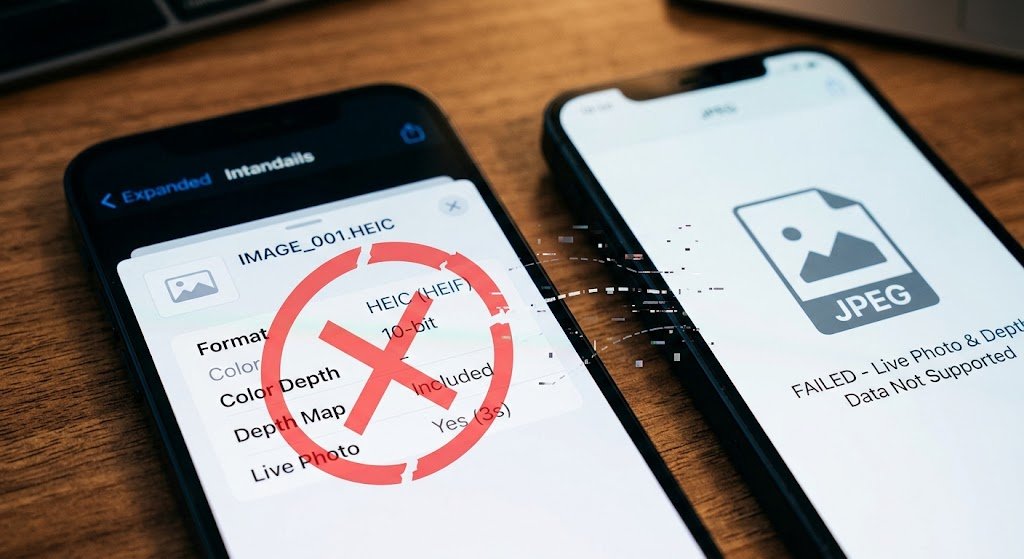
Three causes cover almost every case.
- Live Photos are not single images. They carry a short video. Converting keeps only the still frame.
- Depth and portrait data does not survive. The blurred background is baked in and the depth map is discarded.
- Older software that claims HEIC support sometimes handles only some variants, which is why one file converts and another from the same phone does not.
What You Give Up
A converted JPEG is larger than the HEIC it came from, often by a factor of two, because JPEG compresses less efficiently.You also lose a little quality, since HEIC to JPEG is a lossy to lossy conversion and each step discards something. For viewing, printing and sharing this is invisible. It only matters if you plan to edit heavily afterwards, in which case keep the HEIC original alongside the JPEG copy.
Other Formats and Other Tools
The ToolNexus image format converter handles JPG, PNG, WEBP, GIF and BMP. HEIC is not currently among them, which is why this article points you at the built in methods instead of a tool that would reject your file.Once you have JPEGs, the tool that will compress jpeg files brings them down to a sensible size for email or a web page. If you are choosing what format to publish in, best image format for web covers the decision.
A Real Case
A landlord photographed a property on an iPhone and uploaded twenty shots to a letting portal. Every one was rejected. The portal accepted only JPG. Changing the camera setting to Most Compatible fixed every future photo. The twenty already taken went through Preview in one batch. Total time about four minutes, once he knew where to look.
About the Author
The ToolNexus Team builds free browser based file tools. The site started with a small group of developers who thought professional grade utilities should not carry a professional grade price tag. It now runs ten tools covering images, PDFs, video and code.
FAQs About how to convert heic to jpg
How can I convert HEIC images to JPG online for free?
Browser based converters do it without an install, which suits an older computer with no HEIC support at all. Before reaching for one, check what your device already offers. Mac Preview and Windows Photos both export JPEG natively and neither uploads your photograph anywhere, which matters if the picture is personal rather than a screenshot.
Why can’t I save a HEIC file as a JPG?
Usually because the program you are using cannot read HEIC in the first place. It has nothing to export. On Windows this is almost always a missing HEIF extension, available free from the Microsoft Store. Older software may never support it at all, in which case converting elsewhere and reopening the JPEG is the practical route.
How do I turn off HEIC to JPG?
Change what the camera writes rather than converting afterwards. On iPhone go to Settings, then Camera, then Formats. Select Most Compatible. Every photo taken from then on saves as JPEG. Existing photos are unaffected, since the setting governs new captures only. An old library still needs converting separately.
How can I convert HEIC files to JPGs on Windows?
Install the HEIF Image Extensions from the Microsoft Store if the file will not open, then use Photos and choose Save as with JPG selected. For a large batch, Windows Photos is slow going one at a time and a converter that handles multiple files will finish considerably faster, which is worth knowing before starting a hundred photographs.
Fix It Once
Change the camera setting and the problem never comes back. Convert what you already have with Preview on a Mac or Photos on Windows. Neither costs anything and neither uploads your photographs anywhere. For every other format, ToolNexus converts free with no account.
Comments (1)
1 totalNo comments yet. Be the first to share your thoughts!