
By ToolNexus Team
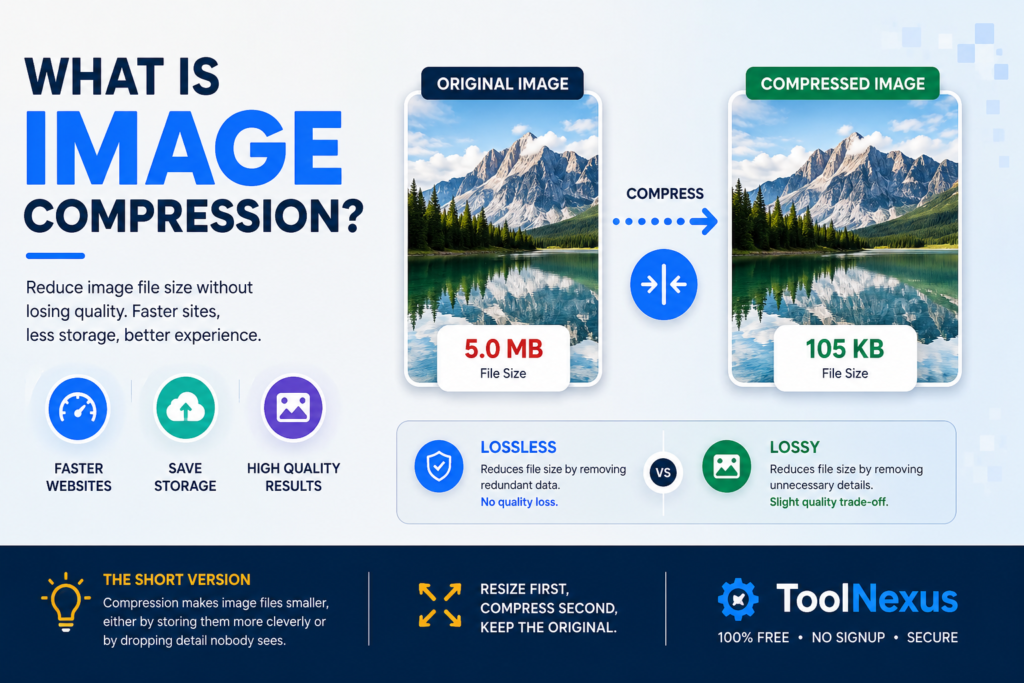
A photograph off a modern phone can weigh five megabytes. The same picture on a web page might weigh a hundred kilobytes and look identical. What is image compression? It is the process that closes that gap. It works in two very different ways depending on what you need.
Quick Answer at a Glance
Image compression makes a picture file smaller. It does that either by storing the same information more efficiently or by discarding information a person will not notice.
| Question | Short answer |
|---|---|
| What it does | Reduces the size of an image file |
| Two kinds | Lossless keeps everything, lossy discards some |
| Typical saving on a photo | 60 to 80 percent, with no visible change |
| Does quality drop | Only with lossy, past a certain point |
| Why it matters | Page speed, storage and upload limits |
The Idea in One Paragraph
A picture is a grid of colored dots. Storing every dot individually is honest and wasteful, because pictures are full of patterns. A blue sky contains thousands of nearly identical pixels. Image compression looks for that redundancy and gets rid of it, either by writing the pattern down once instead of ten thousand times or by deciding the pixels were near enough identical to treat as identical.
The Two Kinds
Lossless: nothing is thrown away. The file rebuilds exactly. PNG works this way.
Lossy: information judged imperceptible is deleted permanently. The file gets much smaller. JPEG works this way.
Which one to use is a decision with real consequences, covered properly in lossy vs lossless compression.
Why Anyone Bothers
Three reasons, in order of how often they bite.
- Page speed. Images are usually the heaviest thing on a web page by a wide margin.
- Upload limits. Forms, email attachments and marketplaces all cap file size.
- Storage. A phone or a drive fills faster with uncompressed photographs.
Page weight is measured by Google’s Core Web Vitals. On a website the first of those has a direct effect on how the page is assessed.
What It Does Not Do
Compression does not change the dimensions of an image. A 4000 pixel wide photograph stays 4000 pixels wide however hard you compress it.That distinction matters more than people expect. Resizing removes pixels. Compression stores the remaining pixels more cheaply. Doing both, in that order, is what actually produces a small file. Resizing usually contributes far more of the saving than compression does.
How Much Smaller
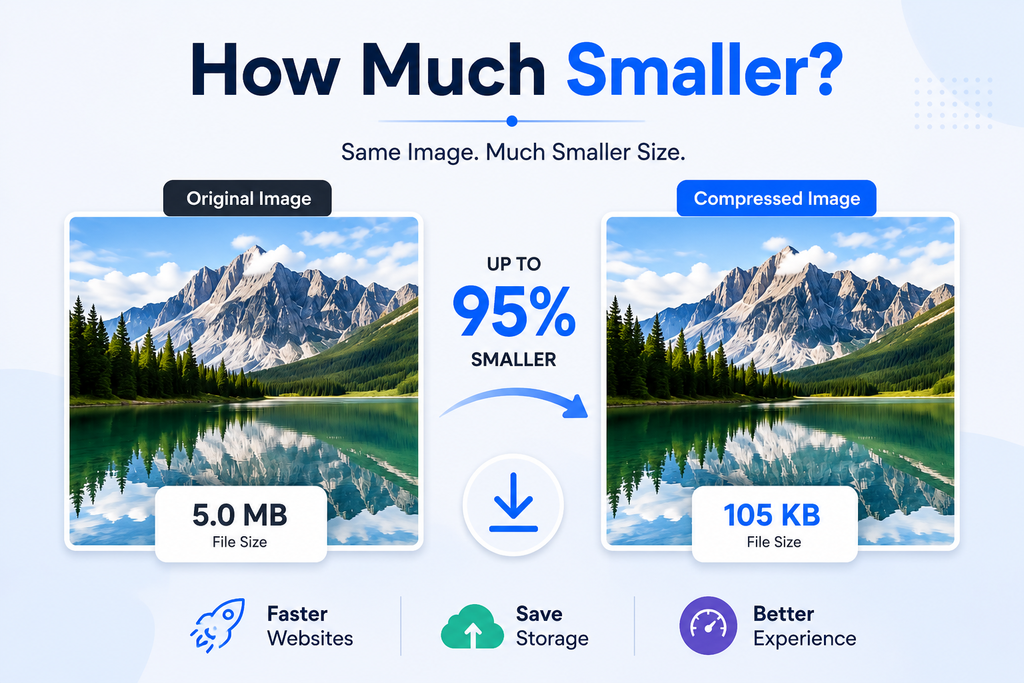
A camera photograph typically drops by 60 to 80 percent under moderate lossy compression with nothing visible changing. Flat graphics compress less dramatically under lossless but still shed a useful amount.Files that are already compressed barely move. Running a JPEG through a compressor a second time returns very little and degrades the image slightly, which is why the habit of compressing everything twice is worth avoiding.
Doing It
The ToolNexus tool that will compress jpeg and PNG files handles this in the browser with no account. For a whole website rather than one image, the ordered checklist is in how to optimize images for seo.
About the Author
The ToolNexus Team builds free browser based file tools. The site started with a small group of developers who thought professional grade utilities should not carry a professional grade price tag. It now runs ten tools covering images, PDFs, video and code.
FAQs About what is image compression
What is lossless compression in simple words?
Writing the same information down in a shorter way. If two hundred pixels in a row are the same shade of white, the file can record that fact once rather than two hundred times. Nothing is lost and the picture rebuilds exactly. The saving is genuine but modest, since it only helps wherever real repetition exists.
What is lossless and lossy?
Two ways of shrinking a file. Lossless keeps every piece of the original and reduces size through efficient storage alone. Lossy permanently removes information judged unimportant to a viewer, which is how it achieves much larger savings. The terms describe what happens to the data rather than what the result looks like.
Is PNG a lossless compression algorithm?
Yes. PNG stores every pixel exactly as received and shrinks the file only by recording repetition efficiently. That is why it never degrades however many times you save it. It also performs very well on logos and flat graphics. It also explains why PNG photographs stay large, since photographs contain very little repetition.
What does compression do to a photo?
Lossless compression does nothing visible at all. Lossy compression simplifies areas the eye judges poorly, mostly fine variation inside smooth regions such as sky or skin. At moderate settings the change is imperceptible. Pushed hard it becomes visible as blocky patches, which is the point at which you have gone too far.
The Short Version
Compression makes image files smaller, either by storing them more cleverly or by dropping detail nobody sees. Resize first, compress second, keep the original. Compress yours free with ToolNexus.
Comments (1)
1 totalNo comments yet. Be the first to share your thoughts!