
By ToolNexus Team
Printed cards are unforgiving. Get the code wrong and five hundred of them are landfill. Working out how to add qr code to business card layouts properly takes about fifteen minutes. Most of that is deciding what the code should do rather than making it.
Quick Answer at a Glance
| Decision | Recommendation |
|---|---|
| What it should link to | Your contact details or a page you control |
| Minimum printed size | Two centimeters square |
| Placement | Back of the card, with clear space around it |
| Type of code | Static, pointing at your own domain |
| Before printing | Test the actual proof, not the screen version |
Step One: Decide What It Does
This matters more than anything technical that follows. Three options cover almost everyone.
| Option | What happens on scan | Suits |
|---|---|---|
| Contact card | Offers to save your details straight into their phone | Networking, events, sales |
| Your website | Opens a page you control | Services, portfolios, shops |
| A specific landing page | Opens something built for the card | Campaigns, launches, offers |
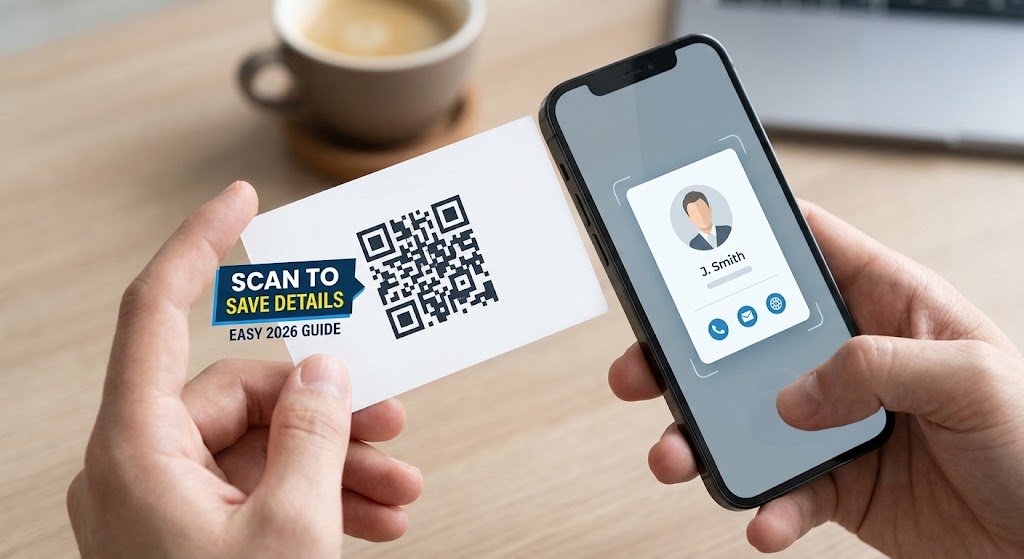
The contact card option is the one most people overlook and it is usually the strongest. A card that types itself into somebody’s phone removes the step where your details sit in a wallet for three weeks and then go in the bin.
Step Two: Generate It
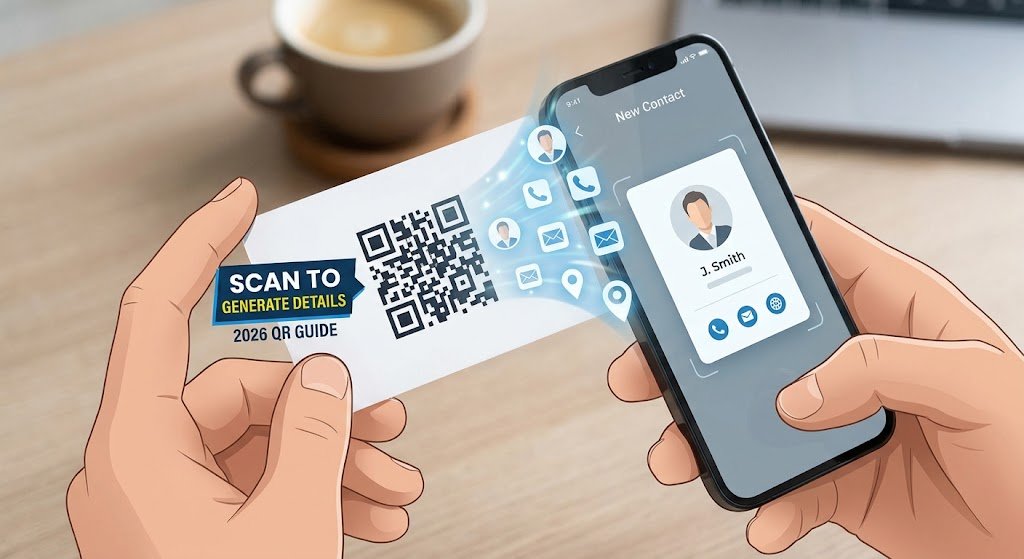
Open the ToolNexus custom qr code generator and pick the type. Contact for details, URL for a web page. Fill in the fields, set the colors and download the PNG.Keep the colors simple. A dark code on a white background scans in every lighting condition. A printed card is often read under a restaurant table lamp rather than in daylight. Brand colors work when the contrast stays strong. Pale gray on cream does not.
Step Three: Size and Place It
Two centimeters square is the practical minimum for print. Smaller than that and ordinary phone cameras start failing, particularly in poor light.Leave clear space around the code, at least the width of four modules on every side. That empty margin is called the quiet zone and scanners need it to find the edges. Designers who tuck a code tight against a border or a logo break this constantly. The code then becomes unreliable rather than obviously broken, which is worse.The back of the card is the usual place. It gives the code room and keeps the front clean.
Step Four: Say What It Is
A bare code on a card gets scanned far less often than a labeled one.Three or four words beside it is enough. Scan to save my details. Scan for portfolio. People need a reason before they lift a phone. The label also reassures them the code belongs to the card rather than being a sticker somebody added.
Step Five: Test the Proof, Not the Screen
This is where print runs die.A code that scans perfectly on a monitor can fail on card stock, because printing introduces ink spread, the paper has texture and matte lamination scatters light. Ask the printer for a physical proof and scan it with two different phones in ordinary indoor light. Fifteen minutes here protects the whole order.
The Mistake That Kills the Batch
Using a free trial from a QR service that issues dynamic codes. Those stop working the day the trial ends. Every card you printed becomes worthless at once. Point a static code at your own domain instead, which never expires and can still be redirected. The full reasoning is in static and dynamic codes compared.
What to Do With the Card After Printing
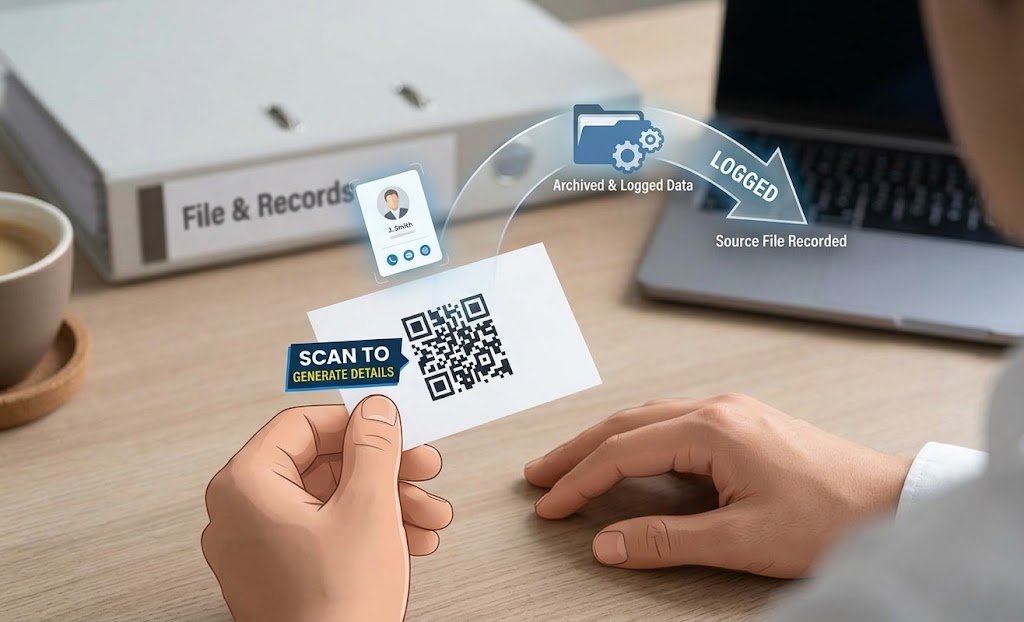
Keep the source file and the exact link recorded somewhere. In two years somebody will ask what that code points at. Finding out by scanning an old card is a poor way to run a business.If the card links to a page rather than to contact details, keep that page alive. A static code cannot be repointed. A deleted page kills every card in circulation. The tool that can scan qr code from image will confirm what an old card actually contains if you have lost the record.
A Real Case
A photographer ordered a thousand cards with a code linking to a free trial dynamic service. The trial ended six weeks later and every card pointed at an expired redirect page. Reprinting cost more than four years of the subscription would have. A static code pointing at her own domain would have cost nothing and worked indefinitely.
About the Author
The ToolNexus Team builds free browser based file tools. The site started with a small group of developers who thought professional grade utilities should not carry a professional grade price tag. It now runs ten tools covering images, PDFs, video and code.
FAQs About how to add qr code to business card
Should I put a QR code on my business card?
Yes, if it does something worth doing. A code linking to a contact card saves the recipient typing your details, which is the difference between staying in a phone and staying in a wallet. A code linking to a generic home page adds little, since anyone who wanted your website could search for it in the same time.
How do QR codes on business cards work?
The code carries text, usually either your contact details or a web address. Scanning it decodes that text and the phone offers an appropriate action, such as saving a contact or opening a page. Nothing is installed and no account is involved. The card is simply a way of handing over information a phone can read.
How do I get my QR code on a business card?
Generate the code, download the PNG, then place it in your card design or send it to the printer with instructions. Most print services accept an image file dropped into their template. Ask for the code at a minimum of two centimeters square with clear space around it, since designers will otherwise shrink it to fit.
Can a QR code link to a business card?
Yes. That is the strongest use for one. A contact type code encodes your name, number, email and company directly. Scanning then offers to save the whole record into the phone’s address book. No website is involved and nothing can expire, because the details live inside the pattern rather than on somebody’s server.
Test Before You Print
Pick contact details or a page you own. Make it static. Two centimeters minimum with clear space around it. Label it in four words. Then scan the physical proof before approving the run. Generate your code free on ToolNexus in about ten seconds.
Comments (0)
0 totalNo comments yet. Be the first to share your thoughts!