
By ToolNexus Team
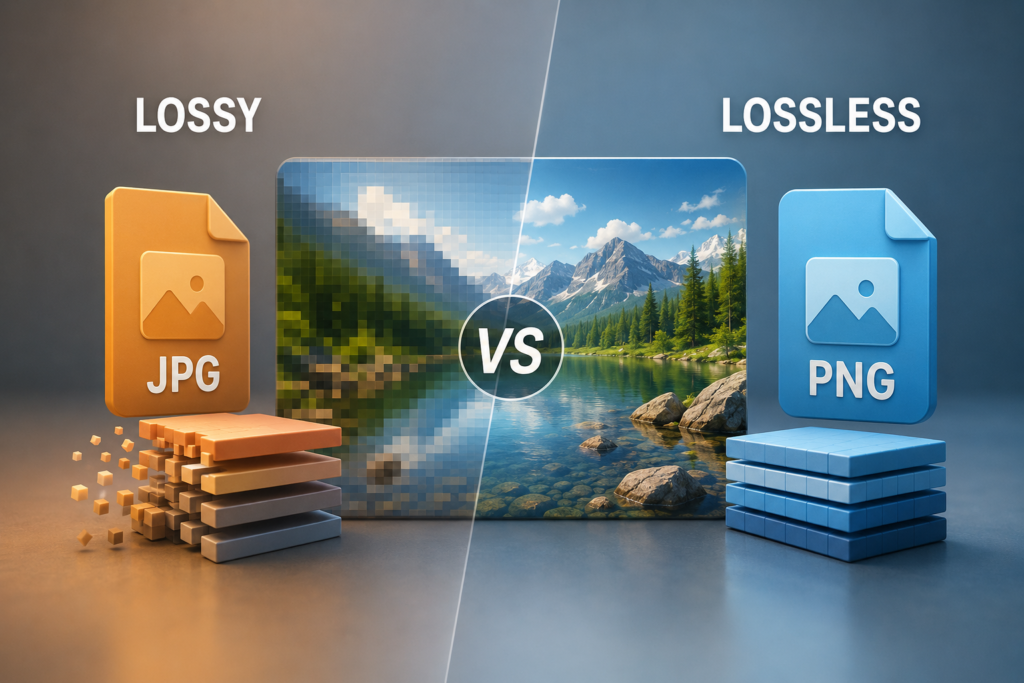
One of these makes files dramatically smaller by throwing information away. The other makes them somewhat smaller by keeping everything. The lossy vs lossless compression choice sounds technical and comes down to a single practical question, which is whether anyone will ever open the file again to edit it.
Quick Answer at a Glance
Lossy for anything being delivered to a viewer. Lossless for anything being kept, edited or printed.
| Comparison | Lossy | Lossless |
|---|---|---|
| What it does | Discards data permanently | Stores the same data efficiently |
| Size reduction | Very large | Modest |
| Repeated saving | Degrades each time | No degradation ever |
| Typical formats | JPEG, lossy WEBP, MP3 | PNG, lossless WEBP, ZIP, FLAC |
| Use for | Web pages, email, sharing | Archives, masters, editing |
What Each One Actually Does
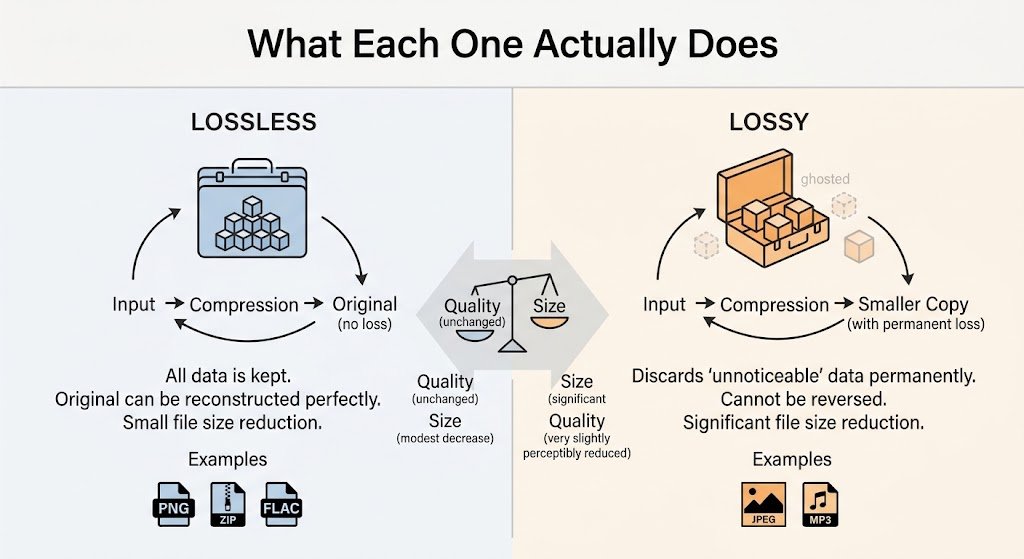
Lossy compression: removes information the format judges you will not miss, then cannot get it back.Lossless compression: finds patterns and repetition, then stores them in shorthand. The original rebuilds perfectly.A rough analogy. Lossless is packing a suitcase more neatly. Everything you started with arrives at the other end. Lossy is deciding you do not really need the third pair of shoes. The case is far lighter. The shoes are not coming back.
Why Lossy Wins So Much Space
Human eyes are uneven. We notice edges and contrast sharply and we are poor at judging subtle variation inside smooth areas.Lossy image compression exploits exactly that. It simplifies the parts of a picture the eye audits least carefully, which is why a photograph can drop by eighty percent with no visible change. Push it further and the simplification becomes visible as blocky patches, most obviously across skies, water and skin. That threshold is the whole art of choosing a quality setting.
Why Lossless Can Only Do So Much
Lossless has no such trick available. It can only find genuine repetition and store it once.That works brilliantly on flat artwork. A logo with six colors and large blocks of each compresses hard, because the file can record run after run of identical pixels in shorthand. It works poorly on photographs, where almost every pixel differs slightly from its neighbor and there is very little repetition to exploit. This is exactly why a photograph saved as PNG stays enormous.
The Generation Loss Problem
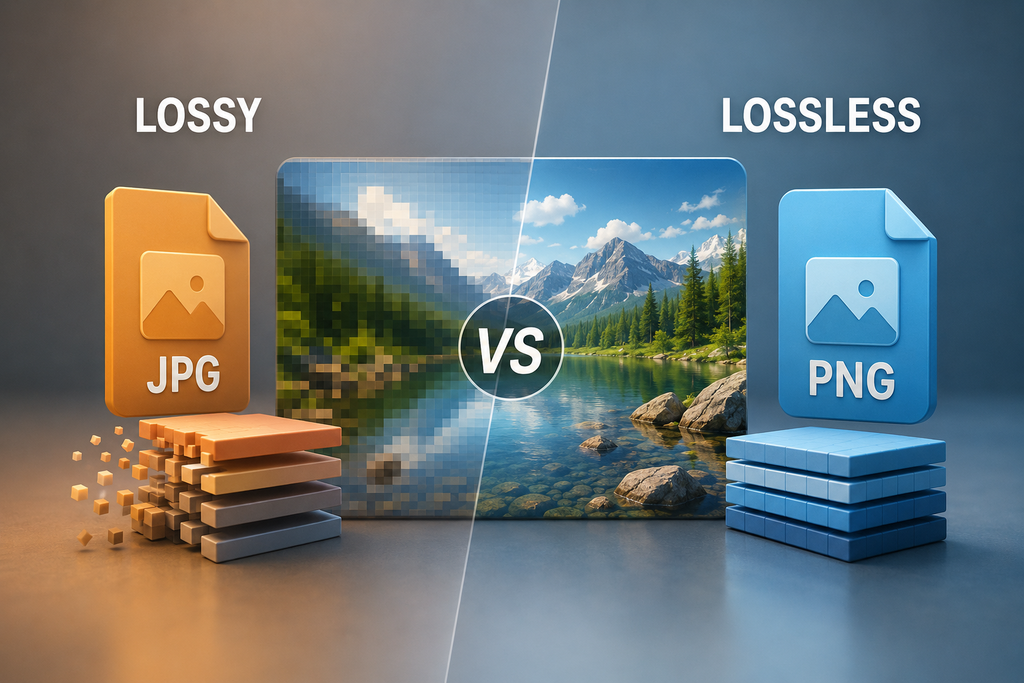
This is the part that catches people out. It only affects lossy formats.Every time you open a JPEG, change something and save it again, the compression runs afresh on an already compressed image. The damage compounds. Four or five rounds of that produces the soft edges and blotchy patches people notice in images that have been passed around and re-edited.Lossless formats have no equivalent problem. Save a PNG fifty times and the fiftieth file matches the first exactly. That is the single strongest argument for editing in a lossless format and exporting to a lossy one only at the very end.
Which Formats Are Which
| Format | Type |
|---|---|
| JPEG | Lossy |
| PNG | Lossless |
| WEBP | Both, you choose |
| GIF | Lossless, with a severe color limit |
| TIFF | Usually lossless |
| MP3 and AAC | Lossy audio |
| FLAC and ZIP | Lossless |
WEBP is the interesting entry. Because it offers both modes, a single format covers the whole range, which is part of why it replaced three older formats at once on the web.
The Decision Rule
Ask whether this file is a delivery or a source.
A delivery is something a person will look at once and never edit. A web page image, an email attachment, a photograph posted to social media. Those want lossy, because speed matters and the loss is invisible.
A source is something that will be opened again. A design master, a print file, an archive, a photograph you will edit later. Those want lossless, because every future save would otherwise compound the damage.
Most professional workflows keep both. The lossless master lives in a folder. The lossy export goes to the world. Nobody edits the export.
What This Looks Like in Practice
A photographer shoots a raw file, edits it losslessly, then exports a JPEG for the client gallery at maybe 400 KB. The raw stays untouched on a drive. If the client asks for a change two years later, the edit happens on the raw rather than on the JPEG. Nothing accumulates.
The same logic applies to a website. Keep your originals, publish compressed copies. The ToolNexus tool that will compress png and JPEG files handles the export side. The practical checklist for a whole site is in how to optimize images for seo.
Related Reading
New to the topic entirely? what is image compression covers the basics first. For choosing between formats rather than between compression types, best image format for web ranks the options.
About the Author
The ToolNexus Team builds free browser based file tools. The site started with a small group of developers who thought professional grade utilities should not carry a professional grade price tag. It now runs ten tools covering images, PDFs, video and code.
FAQs About lossy vs lossless compression
Is lossless compression better?
Better at preserving data, worse at reducing size. Neither is superior in the abstract. A lossless file guarantees perfect quality and stays large, which suits archives and masters. A lossy file gives up detail nobody sees and becomes far smaller, which suits anything delivered over a network. The right choice depends entirely on what happens to the file next.
Is 100% JPEG lossless?
No. Even at maximum quality a JPEG applies its transformation and discards some data. A file saved at 100 still differs from the original. What changes at that setting is how little is discarded, not whether anything is. For a genuinely lossless result you need a format designed for it, such as PNG or lossless WEBP.
Is PNG a lossless compression algorithm?
Yes. PNG stores every pixel exactly as it received them and reduces size only by recording repetition efficiently. That is why it never degrades on re-saving and why it performs so well on flat graphics with large areas of one color. It also explains why PNG photographs stay so large, since photographs contain almost no repetition.
Is JPEG or PNG better for compression?
For photographs JPEG wins by a wide margin, often producing files five to ten times smaller with no visible difference. For logos, screenshots and anything with text PNG wins, because JPEG softens hard edges while PNG keeps them exact. The format matching the content matters more than either compression method being superior.
Is MP4 lossy or lossless?
Lossy. MP4 is a container and the video inside it is almost always encoded with a lossy codec such as H.264 or HEVC. That is what makes video files small enough to stream at all. Lossless video formats exist and are used in production workflows, where the files run so large they are impractical for delivery.
What is lossless and lossy?
Two approaches to making a file smaller. Lossless reduces size while keeping every piece of the original. The file rebuilds perfectly. Lossy reduces size by permanently removing information judged unimportant to a human viewer or listener. The words describe what happens to the data rather than what happens to the perceived quality.
What is lossless compression in simple words?
Storing the same information in a shorter way. If a row of a picture contains two hundred identical white pixels, a lossless format can record that once rather than two hundred times. Nothing is thrown away and the original rebuilds exactly. The saving is real but limited, because the shorthand only helps where genuine repetition exists.
Keep the Master, Ship the Copy
Edit losslessly. Deliver lossily. Never edit the delivered version. Those three lines cover almost every real decision about compression. Following them prevents the slow degradation that ruins reused images. Compress your exports free with ToolNexus.
Comments (2)
2 totalNo comments yet. Be the first to share your thoughts!