
By ToolNexus Team
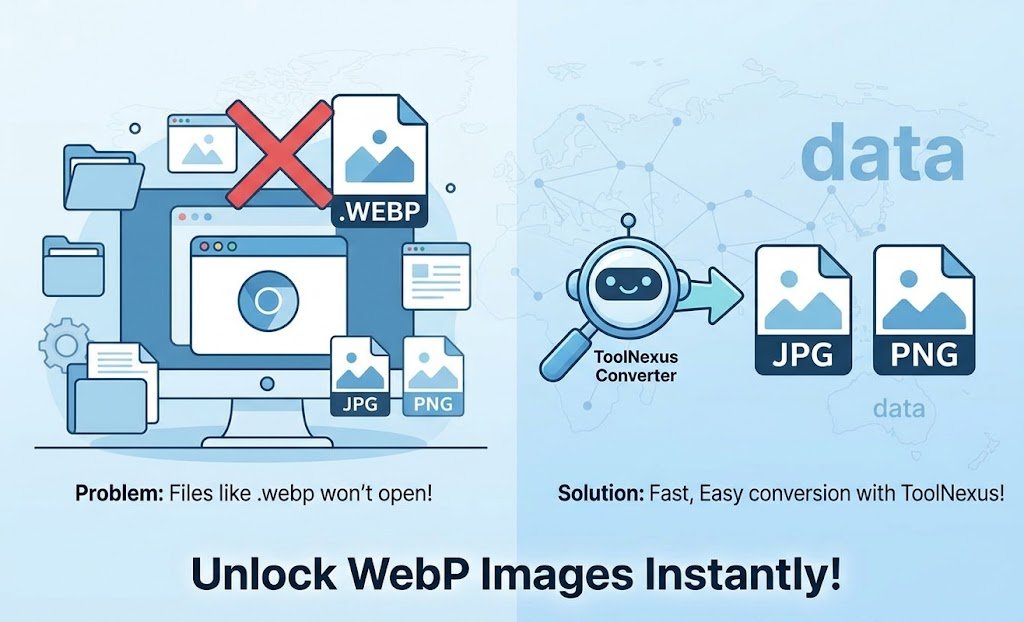
You right clicked a picture, hit save, then got a file ending in .webp that your usual software refuses to open. That is the question behind almost every search for what is webp. Short version: it is an image format Google built. Your browser now prefers it. Converting it takes about five seconds.
Quick Answer at a Glance
WEBP is a modern image format that stores photographs and graphics in smaller files than JPG or PNG. Browsers all read it. Older desktop software often does not.
| Question | Short answer |
|---|---|
| Who made it | |
| What it replaces | JPG, PNG and GIF, in one format |
| Compression | Lossy and lossless, both supported |
| Transparency | Yes |
| Animation | Yes |
| Why you keep getting it | Sites now serve it by default and your browser accepts it |
What WEBP Actually Is
WEBP: an image format that stores a picture using either lossy or lossless compression, with optional transparency and animation, in a single file type.That combination is the point. Before WEBP you picked a format by what you needed to give up. JPG for small photographs with no transparency. PNG for transparency at a much larger size. GIF for animation at terrible quality. WEBP handles all three jobs, which is why sites moved to it rather than maintaining three formats.Its lossy mode borrows from video compression. Google built it on the same predictive coding used by the VP8 video codec to compress keyframes, which is an unusual heritage for a still image format and part of why it squeezes so hard.
Why Every Image Suddenly Saves as WEBP
Nothing changed on your computer. The change happened on the websites.When your browser requests an image it tells the server which formats it can handle. Modern browsers say they accept WEBP. Servers configured to serve it then do exactly that. You are not downloading a converted copy. You are downloading what the page was already showing you, which was WEBP all along.Content platforms accelerated this. WordPress, Shopify and most image delivery services now generate WEBP automatically for every upload. So a photographer uploads a JPG. Every visitor including you receives WEBP.
How to Open a WEBP File
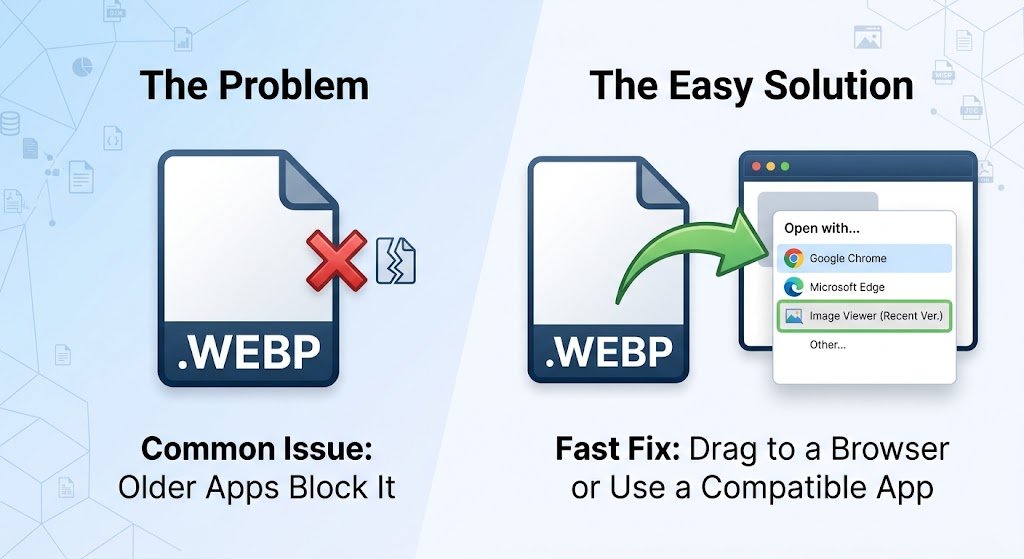
Any browser opens one. Drag the file onto a browser tab and it displays.Beyond that it varies. Recent versions of Windows Photos and macOS Preview handle WEBP. Recent Photoshop does. Older versions of all three do not. Neither do plenty of upload forms, print workflows and internal business systems. That gap is the real reason people search for this.
Converting It to Something Familiar
Converting takes seconds. Upload the .webp to the ToolNexus image format converter. Pick JPG or PNG. Download the result. No account and no install.Pick your destination by content. A photograph goes to JPG. A graphic with transparency goes to PNG, since JPG cannot carry an alpha channel and will fill the transparent area with white. Expect the converted file to be larger than the WEBP was, which is the price of the wider compatibility.
Stopping Your Browser Doing It
You mostly cannot. That is worth knowing before you spend an hour on it.The format is chosen by the server, not by your download button. Browser extensions exist that request the older format instead. They work inconsistently because many sites no longer keep a JPG copy to serve. Converting after the fact is the reliable route. Fighting the format at download time is not.
Where WEBP Falls Down
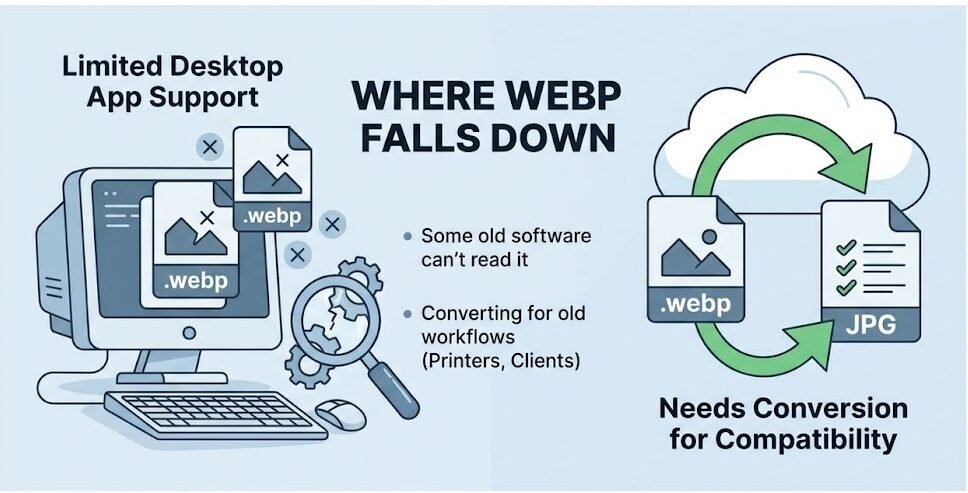
It is not a free win in every direction.Decoding a lossy WEBP costs more processor time than decoding a JPEG. Animated WEBP is heavier on a processor than an equivalent GIF. On a modern phone that is invisible. On very old hardware it can be felt. The same goes for a page stuffed with animated images.The larger practical problem stays compatibility outside the browser. Anything heading to a printer should travel as JPG or PNG. The same applies to a client on old software or a form built a decade ago.
Should You Use It on Your Own Site
Yes, for the web copy of almost everything. The size savings are real and measured. Every current browser reads the format. The full comparison lives in webp vs png. The wider decision about which format suits which job is covered in best image format for web.
About the Author
The ToolNexus Team builds free browser based file tools. The site started with a small group of developers who thought professional grade utilities should not carry a professional grade price tag. It now runs ten tools covering images, PDFs, video and code.
FAQs About what is webp
What is the purpose of a WebP file?
To deliver the same picture in fewer bytes. Google designed it to replace three formats at once, handling photographs like JPG, transparency like PNG and animation like GIF, while producing smaller files than any of them. The purpose is entirely about web page speed, which is also why support outside browsers lagged so far behind.
What is the WebP format used for?
Almost exclusively web delivery. Sites use it for photographs, product images, graphics, icons and animations, usually generated automatically from whatever the author uploaded. It rarely appears in print work, photography archives or design source files, where compatibility and lossless originals matter more than the transfer size of a single file.
How do I create a WebP file?
Convert an existing image with any converter that offers WEBP as an output. You can also export directly from design software that supports it. Most content platforms also generate WEBP automatically when you upload. A site owner often ends up with WEBP versions without ever creating one deliberately. Keep the original in its source format.
Why is my image downloading as WebP?
Because that is the version the site sent your browser. Your browser advertised that it accepts WEBP. The server had a WEBP copy. Saving the image saves what was already loaded. It is not a conversion happening at download time, which is why changing a setting on your own machine rarely fixes it.
Why are all images WebP now?
Publishing platforms switched their defaults. WordPress, Shopify and the major image delivery services generate WEBP for uploads automatically, because it cuts page weight with no work from the site owner. Once the platforms flipped, the format spread across the web within a couple of years regardless of what individual authors intended.
How do I stop saving images as WebP files?
Realistically you convert instead. Extensions exist that ask servers for older formats. They fail whenever a site keeps no JPG copy, which is increasingly common. Saving the WEBP and converting it afterwards takes about five seconds and works every time, which makes it the practical answer rather than the satisfying one.
Can I change a WebP file to JPEG?
Yes. It is a straightforward conversion. Upload the file to a converter and choose JPG. Two things to expect. The JPEG will be larger, since JPEG compresses less efficiently. And any transparency will fill with solid white, because JPEG has no alpha channel to store it in. Use PNG for anything transparent.
The Short Version
WEBP is Google’s image format. Your browser prefers it. The file on your desktop is perfectly good once converted. Run it through the ToolNexus converter and carry on. Free, no account, no install.
Comments (1)
1 totalNo comments yet. Be the first to share your thoughts!